
Make any Statamic entry bookable
Resrv adds availability, rates, extras, checkout and payments to your Statamic site. Guests book rooms, tables or tours on your pages, and you manage every reservation in the control panel.
- 5 years in production
- Statamic 6
- Free while you develop
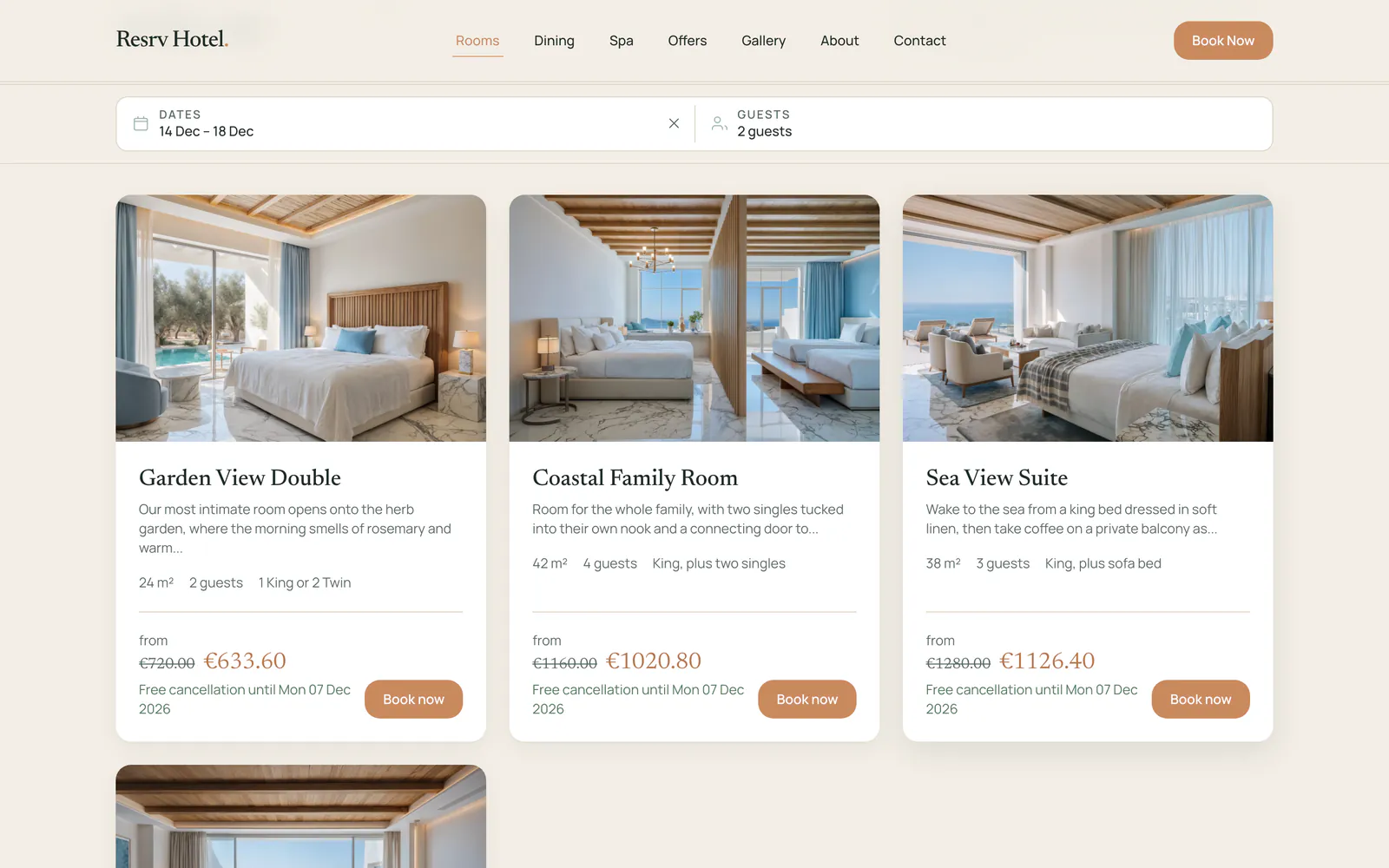
Three collections, one booking system
The demo hotel sells rooms, spa treatments and restaurant tables. Each comes from its own collection with the Availability field in its blueprint, so every entry has its own availability and prices. Each day below shows how many are left and the price. One Resrv install handles all three, and you see every reservation on one calendar.
Rooms
Sea View Suite, booked by the night
Spa Treatments
Mediterranean Massage, booked by the day
Restaurant
La Marea, booked by the sitting


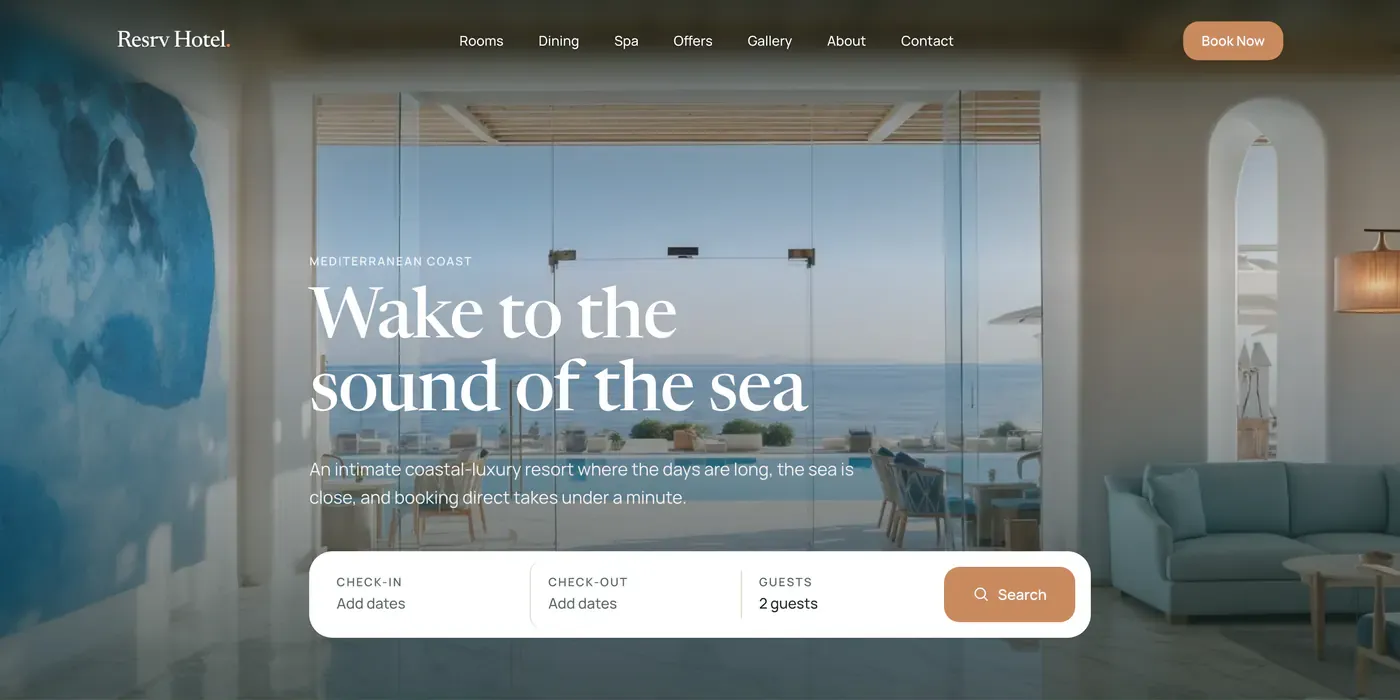
Try it on the Resrv Hotel
Book on the hotel site
Pick your dates, choose a rate, add extras and go through checkout. The demo only offers bank transfer, so you won't need a card.
Log in to the control panel
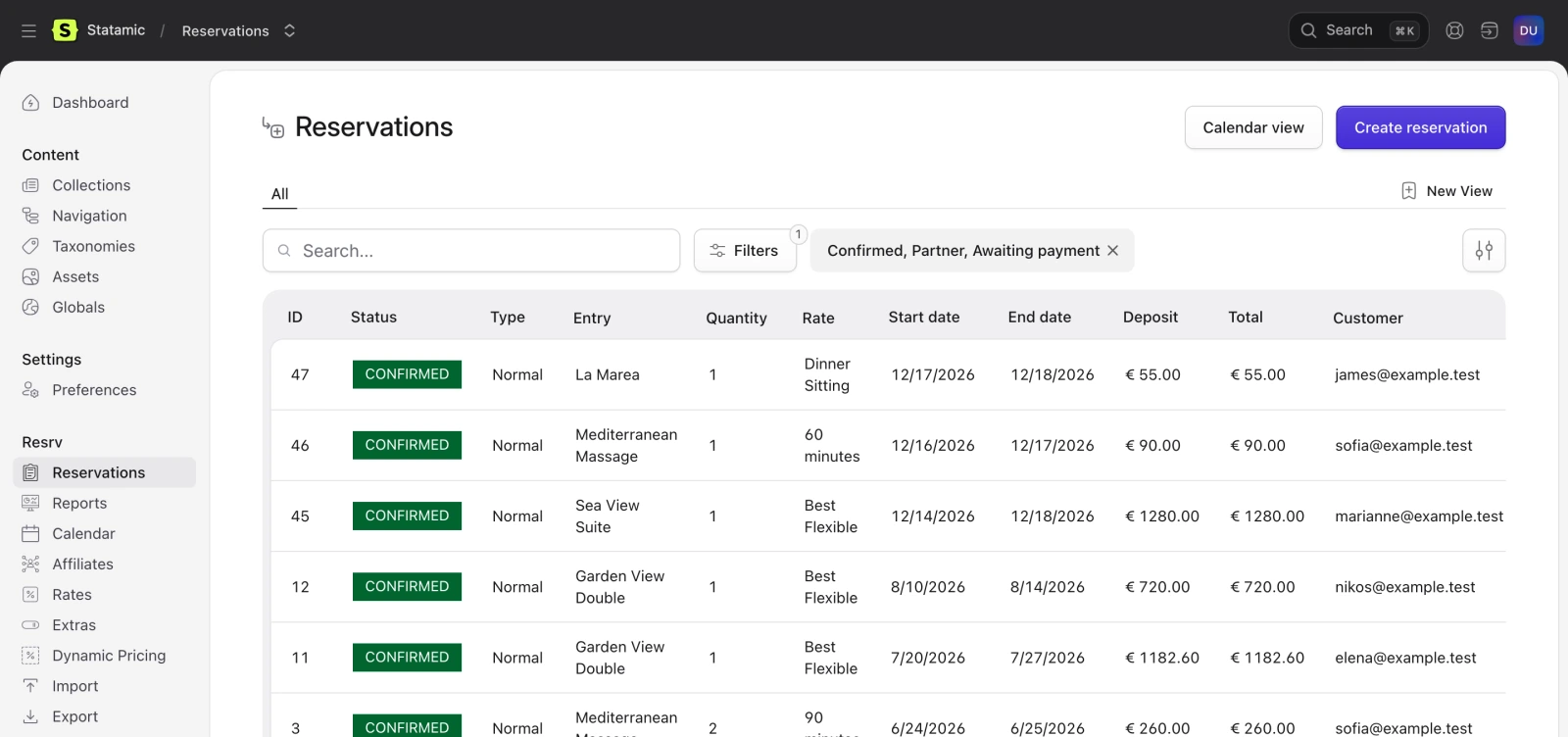
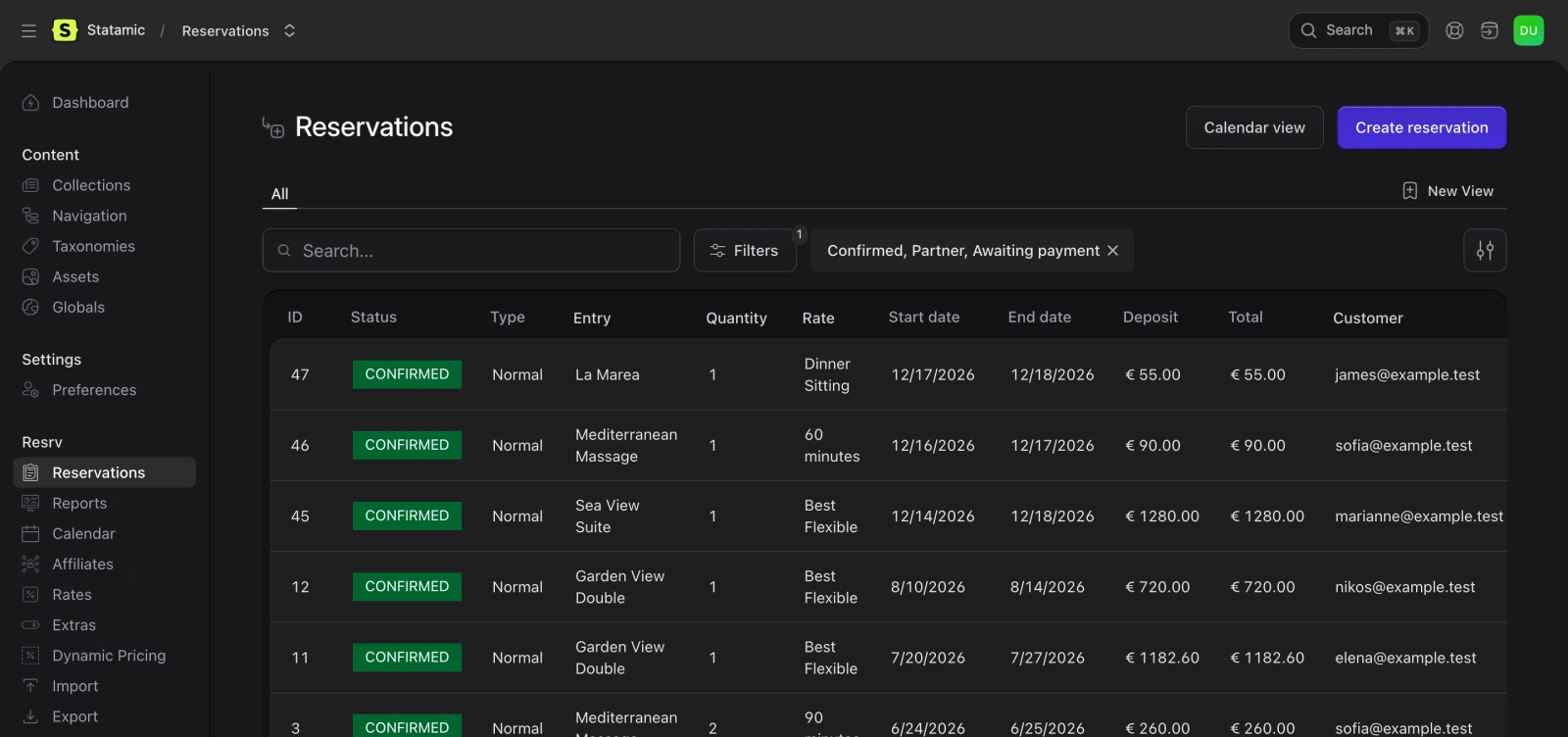
Find your booking under Reservations, then look around the calendar, rates and reports.
- [email protected]
- Password
- password
For Statamic sites that take bookings
Resrv is for developers and agencies who build with Statamic, and for the businesses they build for. You set up the collections and templates. Your client manages availability, prices and reservations in the control panel.
How Resrv worksRestaurants
Lunch and dinner sittings by date. Set the price to zero and guests book without paying. Skip payment
Tours and excursions
Guests add several dates and rates for one tour to a cart, then pay for them in one checkout. Cart booking
Spas and wellness
Treatments by the day. The date picker shows which days are available and the price of each. Availability in the date picker
Car and boat rentals
A price for each rental length, and a one-way fee when pickup and return differ. Fixed pricingSurcharges
Conferences and events
A set number of places, and a checkout form you build in Statamic. Checkout form
From entry to booking in three steps
Resrv builds on Statamic's entries, blueprints and forms, so it fits into a site you already have.
- 1
Add the Availability field
In a collection's blueprint, add a field and pick Resrv Availability. Every entry in that collection can now take bookings.
Availability field - 2
Set availability and prices
Fill each entry's calendar with how many units are free each day and what they cost. Add rates for room types or pricing tiers. A relative rate takes its prices from a base rate, and a shared rate uses the base rate's inventory.
Rates - 3
Add the Livewire components
Put the search, results and checkout components in your templates. Publish their Blade views to change any part, and style them with Tailwind.
Frontend setup
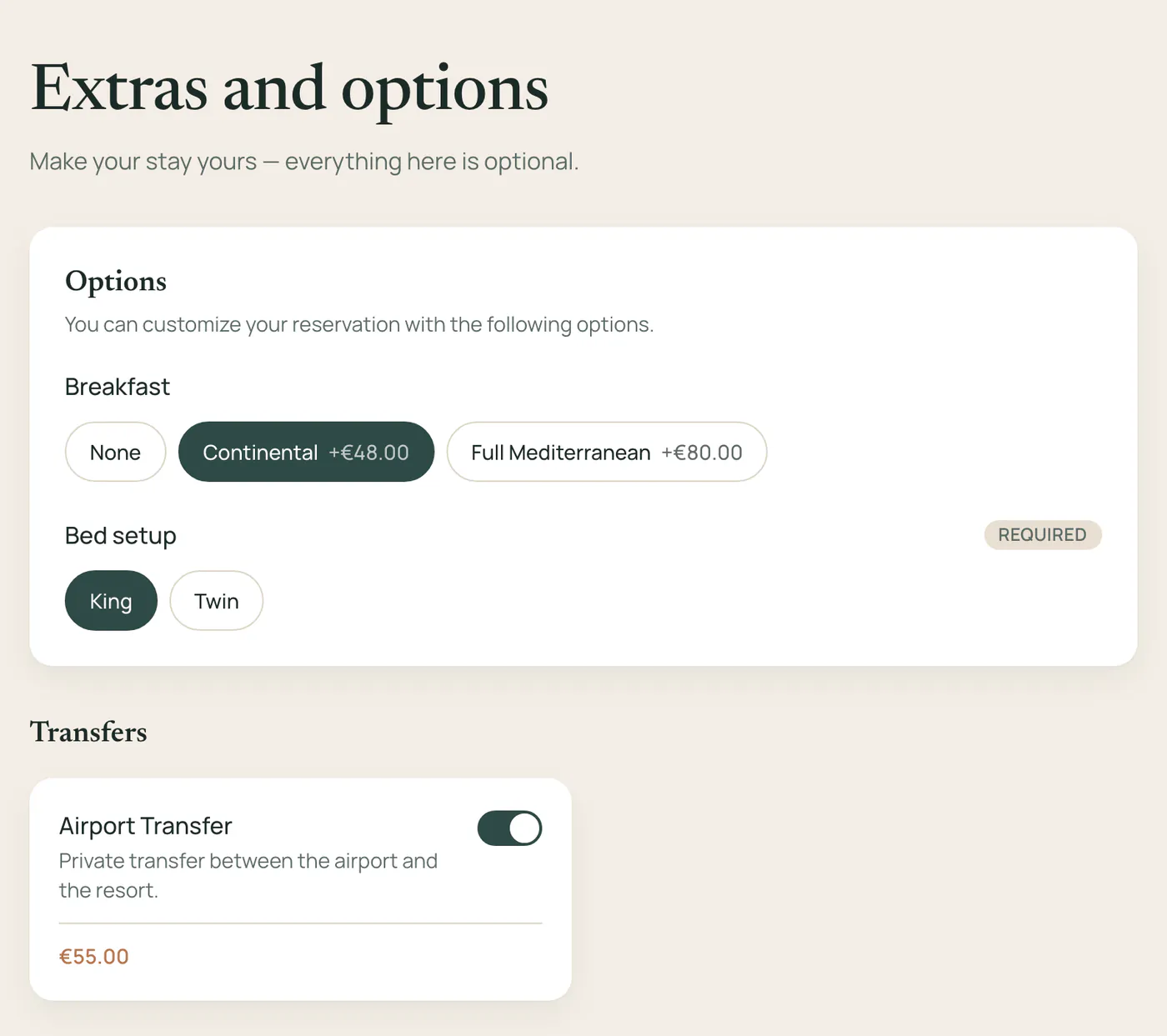
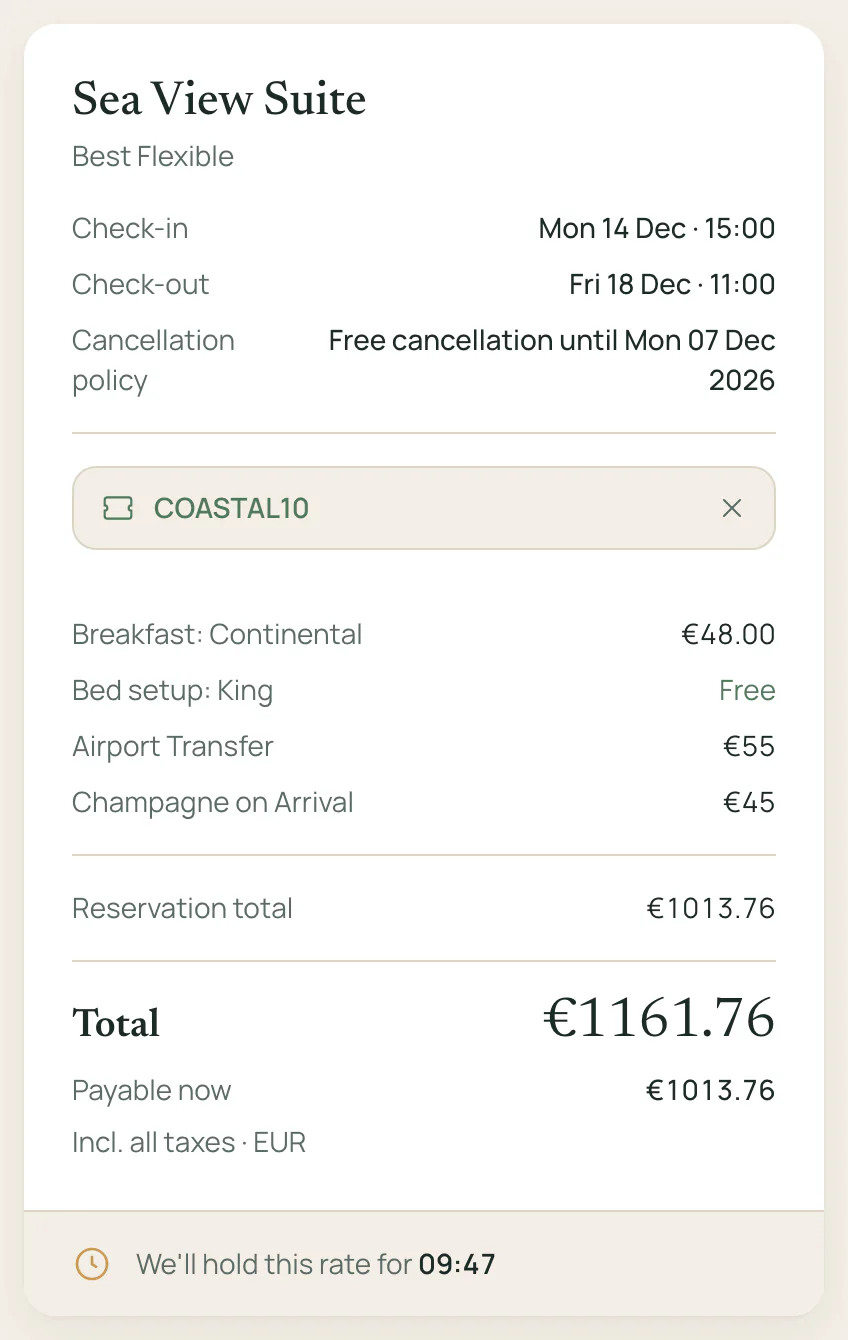
A checkout with extras, discounts and payments
The checkout component takes guests from extras to their details to payment. You build the form in Statamic's form builder.
- Change prices by the dates of a stay, its length or how far ahead it's booked. Coupons use the same rules. Dynamic pricing
- Affiliate links credit partners with the bookings they send, and you record the fee each one earns. Affiliates
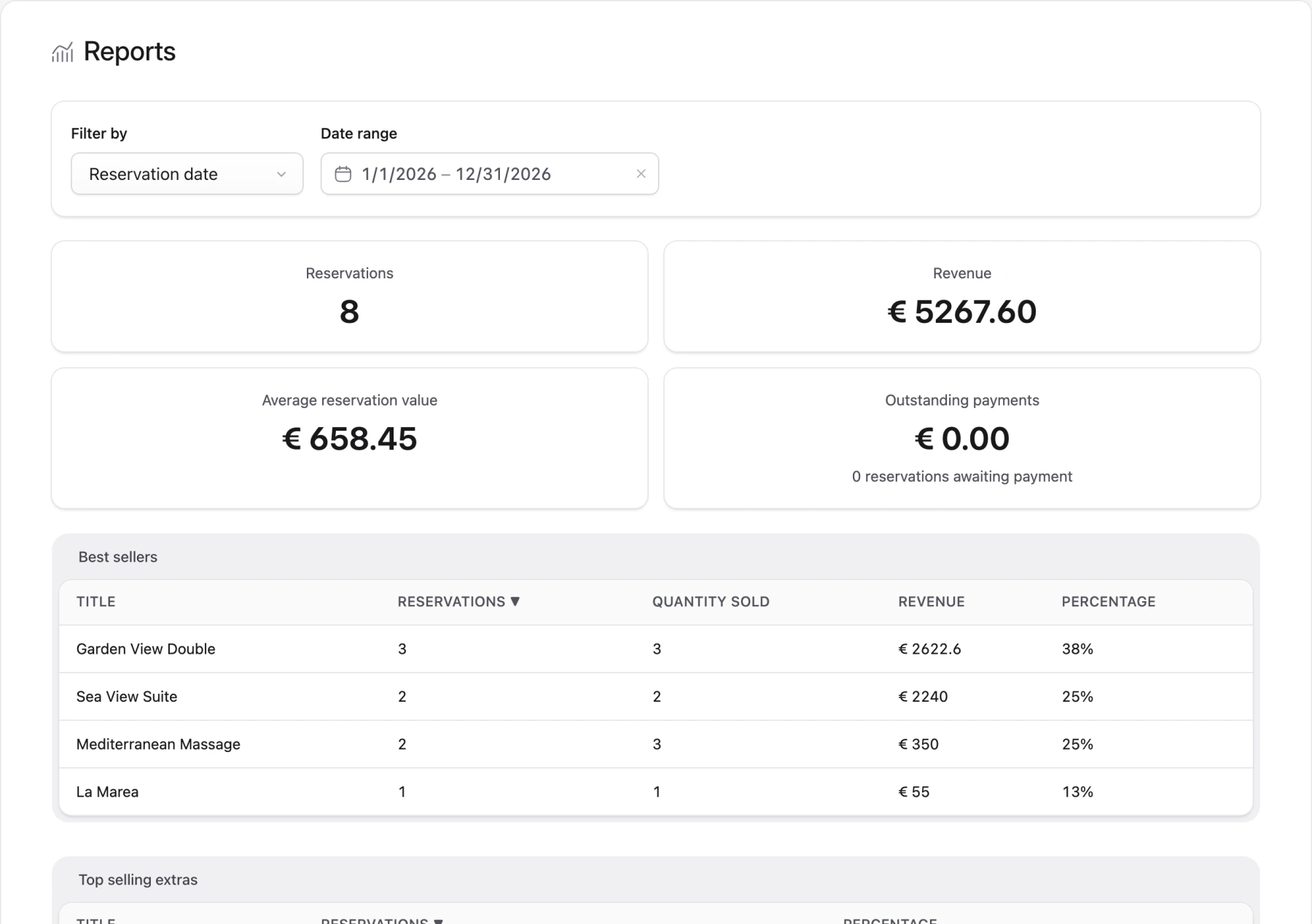
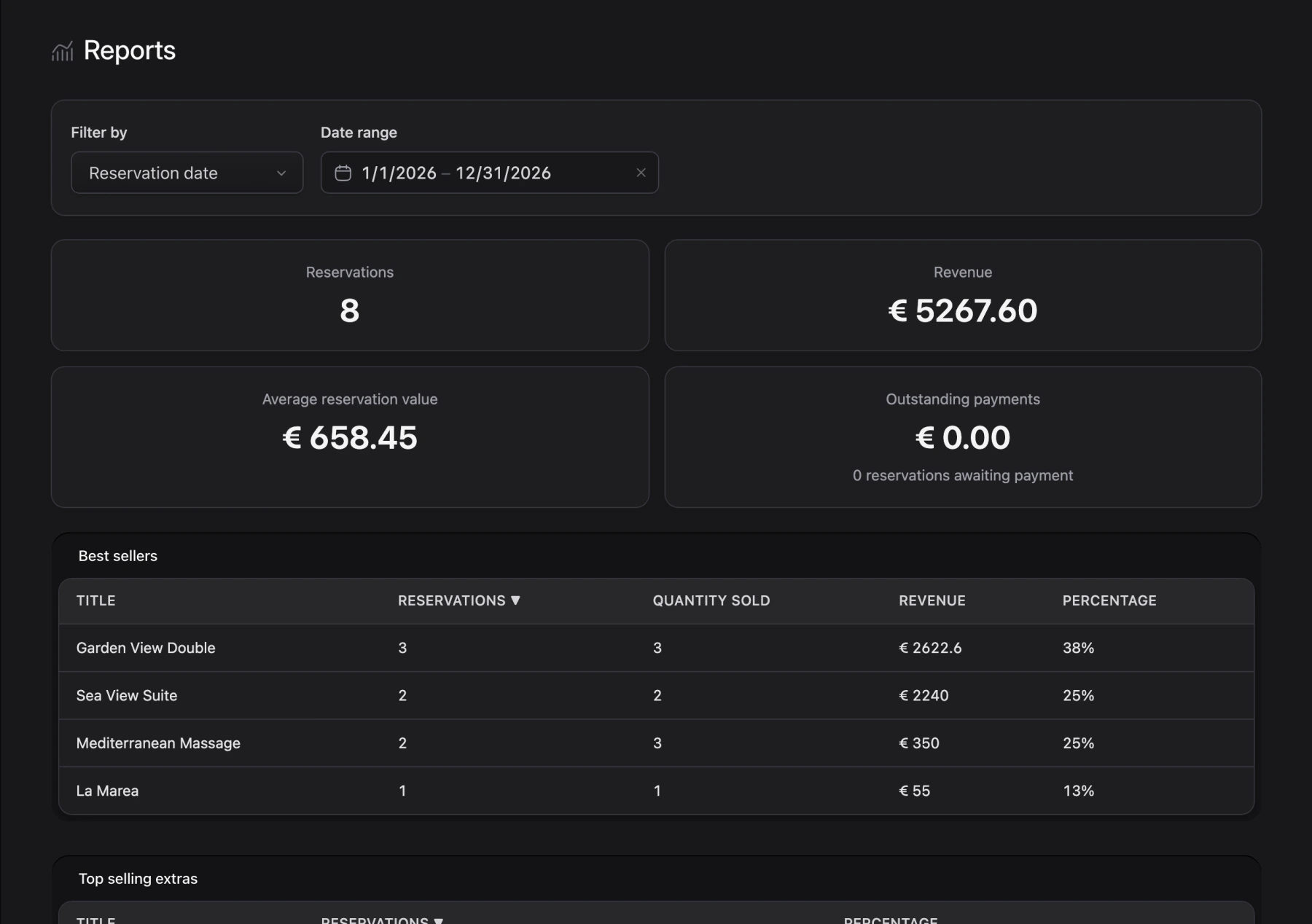
Every booking in the control panel
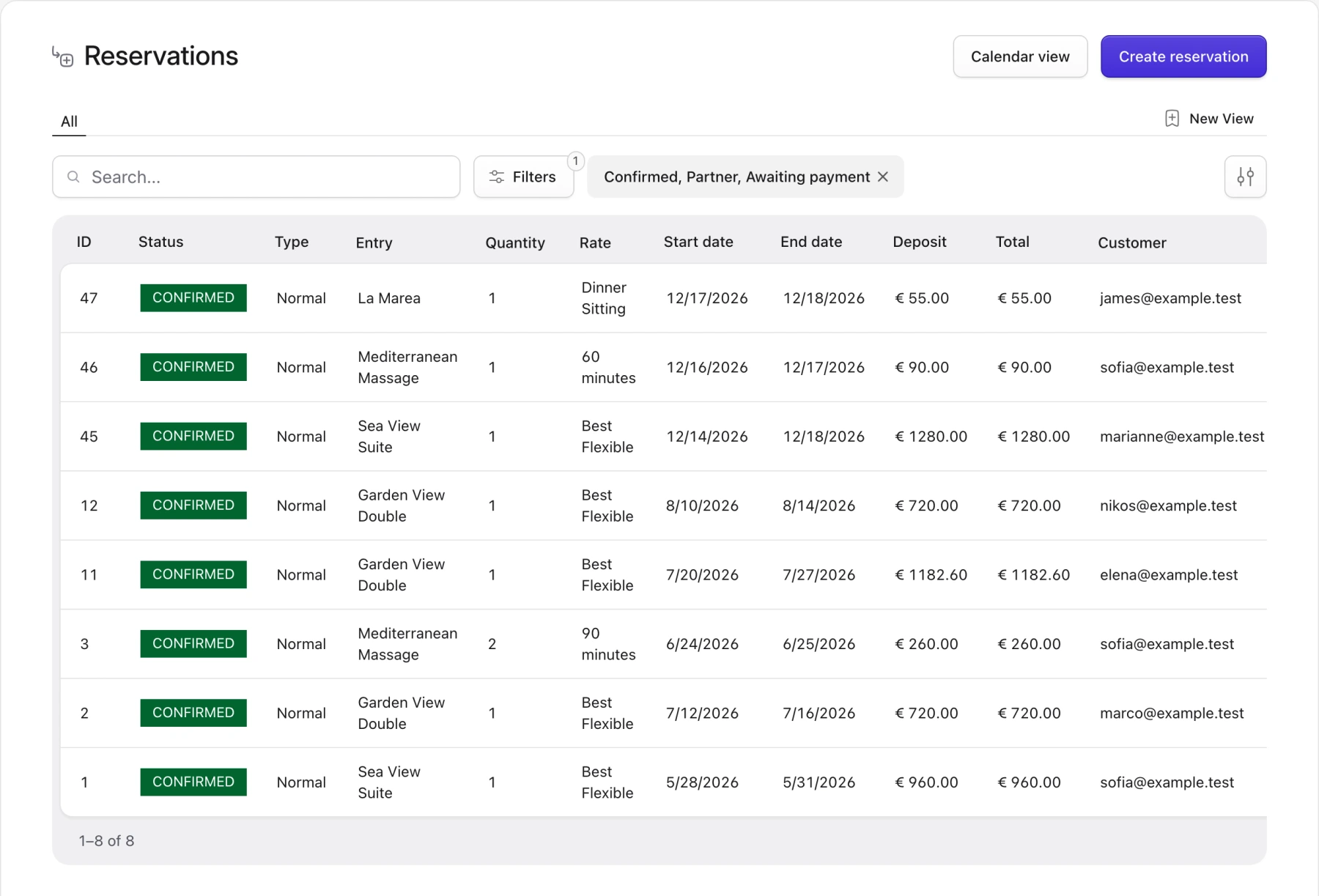
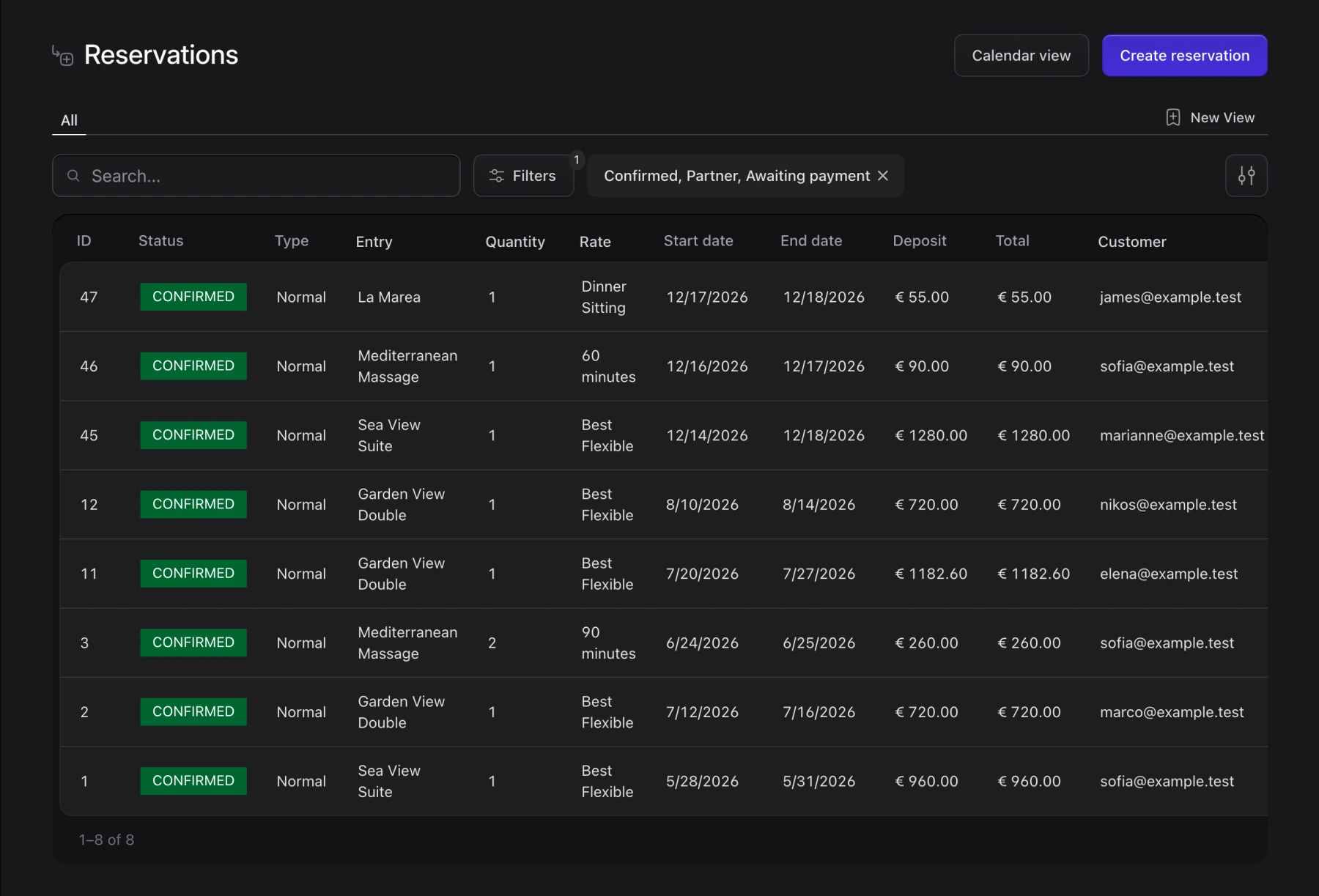
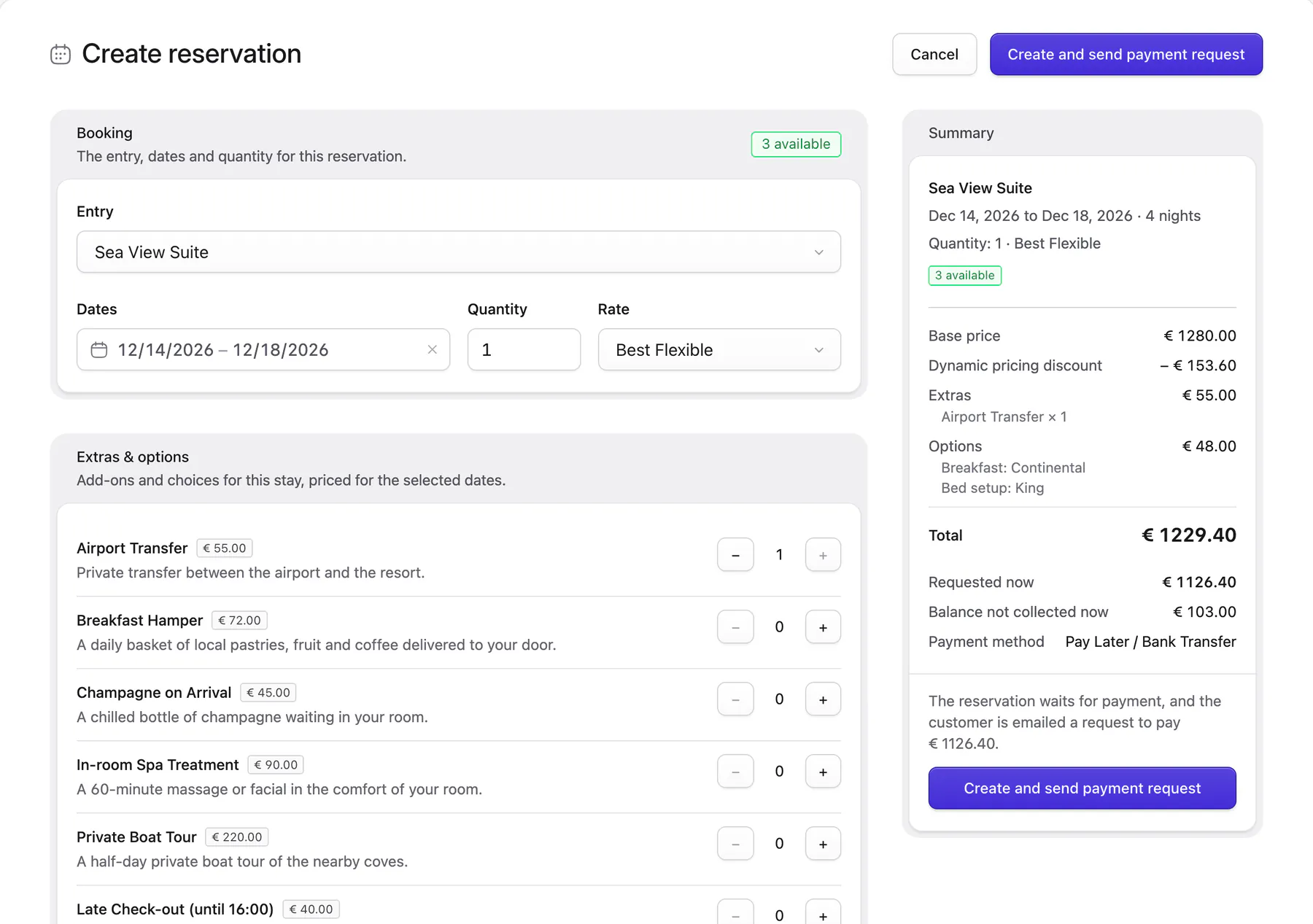
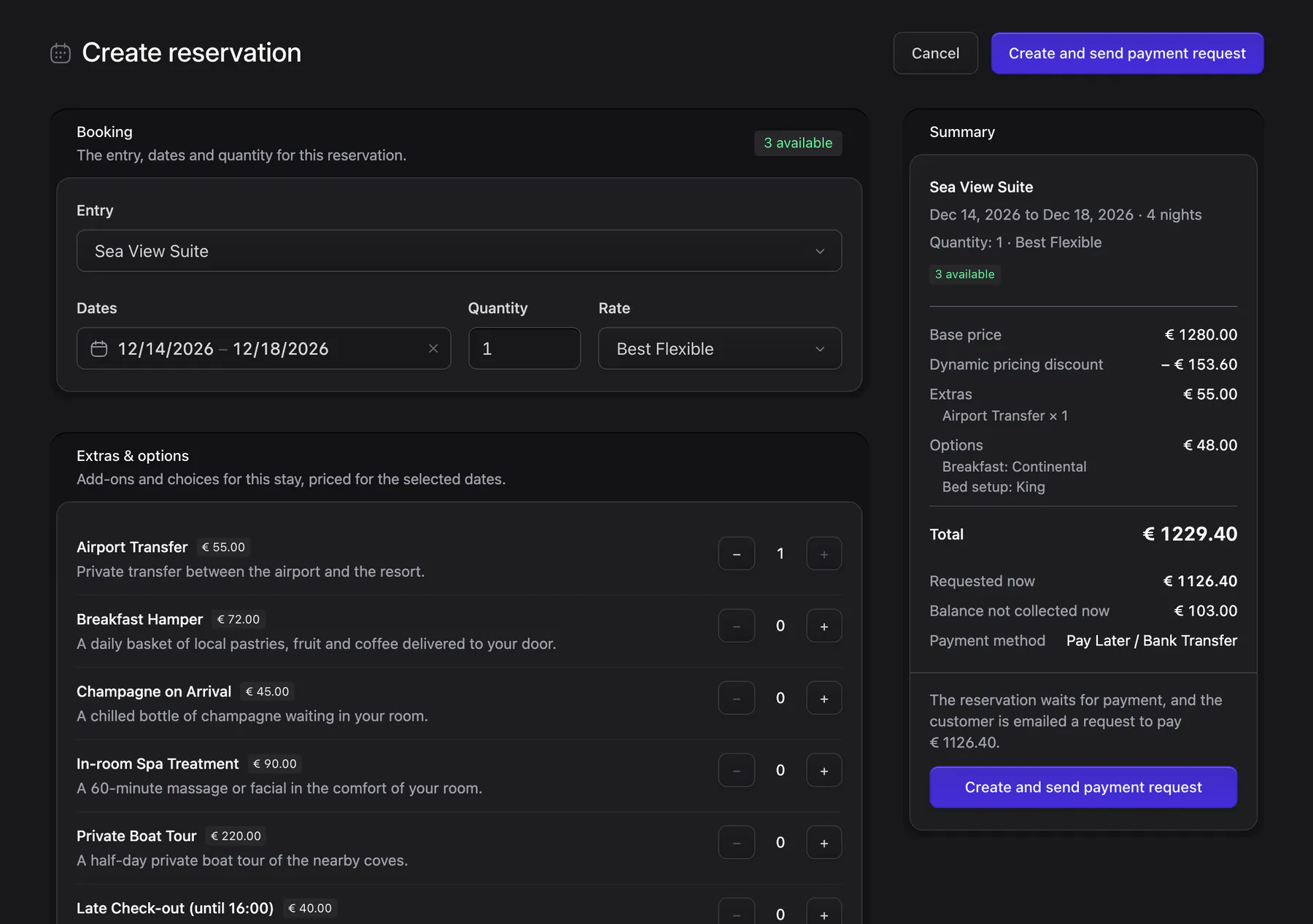
Reservations live in Statamic next to your content, so your client manages them with the login they already have.
Reservations- Refund a booking through the gateway the guest paid with, and its dates become available again.
- Book for a guest on the phone and email them a link to pay. Manual reservations
Also built in
The smaller things a booking site needs, all part of Resrv. Some, like cutoff times and the activity log, stay off until you turn them on.
Guests manage their booking
A status page where guests look up a booking and cancel it within the free cancellation window.
Emails you can edit
Confirmation, refund and abandoned checkout emails, with subjects and recipients set in the control panel.
In your site's languages
Translate the frontend's text for each site of a Statamic multisite.
Cutoff times
Stop bookings a set number of hours before an activity starts.
Activity log
See who changed a price or the availability for a date, and when.
CSV export
Export reservations with the columns you pick, custom checkout fields included.
Made by Reach in Kos, Greece
We've built websites as Reach Web Agency since 2012, and only with Statamic since 2020. We're a Statamic Partner, and we also make Easy Forms and Livewire Filters. Paired with Resrv, Livewire Filters lets guests filter entries by availability alongside any other field.

- 5 years in production
- Thousands of bookings processed
- Millions in revenue generated
One price, paid once
Resrv is free to use while you develop. Buy a license on the Statamic Marketplace before the site goes live. There's no commission per booking.
- PHP
- 8.4+
- Laravel
- 12 or 13
- Statamic
- 6
- Livewire
- 3.6.4+ or 4
Terminal
composer require reachweb/statamic-resrvSingle-site license
$195
One-time purchase, no annual renewal
- One live site, plus staging on a subdomain and any development sites
- Free while you develop
- Every future release, major versions included
- Help on GitHub and by email, usually within a day or two
- Paid support for custom work
Read the license terms. Building for a non‑profit or an open‑source project? Email [email protected].

Book a room, then find it in the control panel
Try both sides on the demo hotel. When you're ready, Resrv is $195 for one site, paid once.